A tier list does not have to start with a prepared set of characters or products. You can use your own images to rank anything from vacation photos and pets to homemade meals, collectibles, or a group’s favorite outfits.
Images make the result easy to scan, but a little preparation will save time once you begin arranging them.
Choose one clear subject
Start with a question your list will answer. “Which of our vacation destinations would I visit again?” is clearer than “travel.” A specific question helps you decide which pictures belong in the list and what the tiers should mean.
Select images that represent each item clearly. Similar crops and readable subjects make the finished board easier to compare. If a photo contains several people or objects, crop it so viewers know what is being ranked.
Add your images
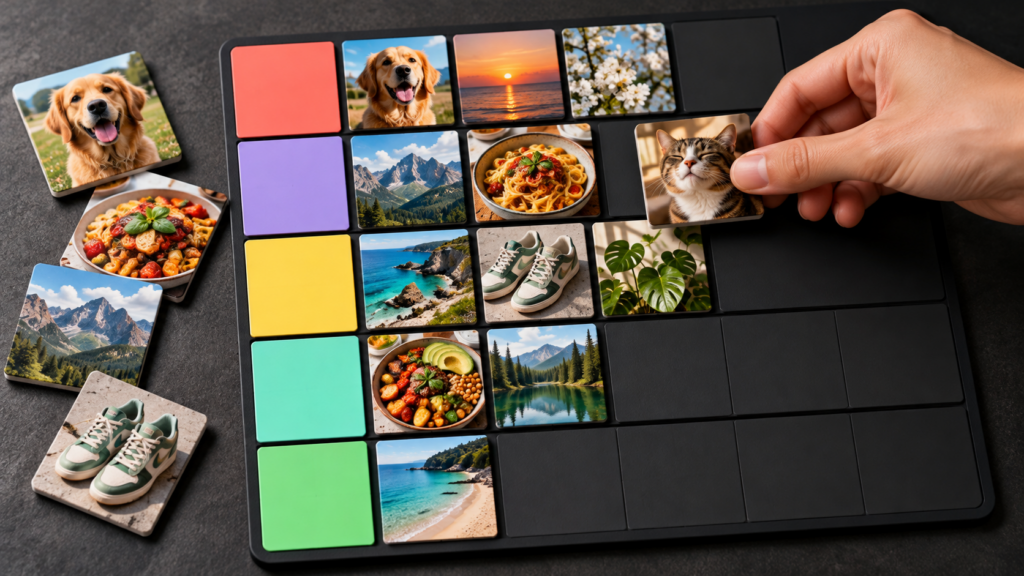
Open the tier list maker and use Add Images or the plus tile in the image library. You can select multiple images, then drag them from the library into the tier rows.
You do not need to fill the rows in order. Place your obvious top and bottom choices first. Compare the difficult middle choices after you can see the whole board.
Make the tiers fit your topic
S through D works for a best-to-worst list, but personal photos may deserve different labels. A travel list could use “Would return tomorrow,” “Would visit again,” “Glad I went,” and “Not for me.” The editor lets you change tier labels and colors.
Before finishing, check for consistency. If two photos represent nearly identical experiences, ask whether their different placements have a reason.
Download the result
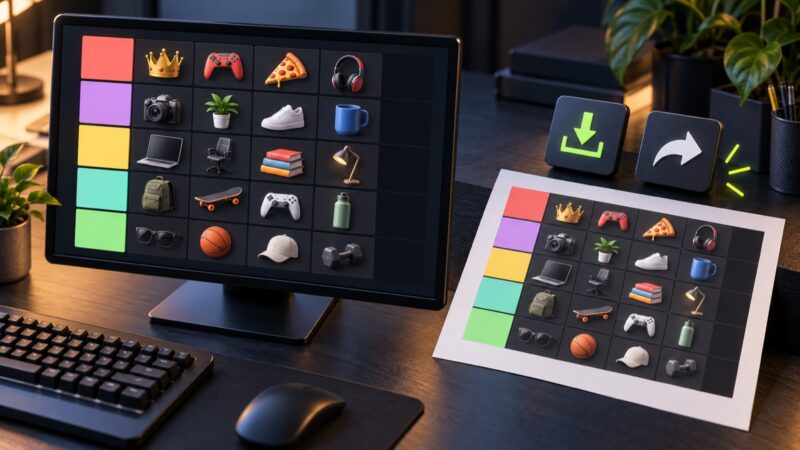
Give your list a title, choose a category, and place at least one image in a tier before using Download. The tool exports a PNG image. Downloading also submits the tier list for review; a public list link becomes available after approval.
Use images you own or have permission to share, especially if you plan to post the finished ranking publicly. Your own photos can make a tier list much more personal than any premade template.